
Techwave Netwatch
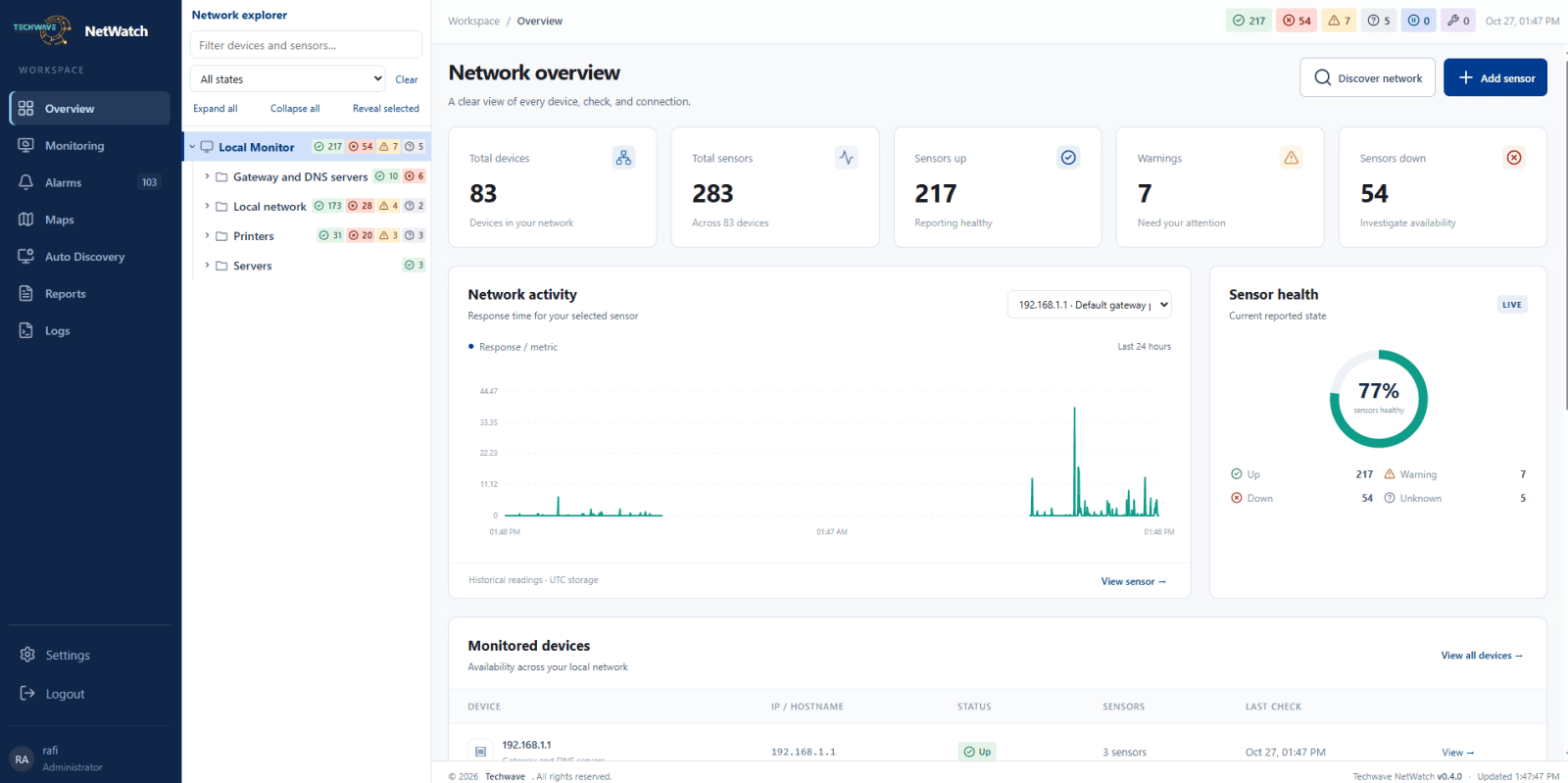
NetWatch is a network monitoring solution that helps you track uptime, monitor device availability, and identify connectivity issues from one easy-to-use dashboard.
Meet your software
The details.
The possibilities.
Get to know Techwave Netwatch and see how it fits into your work.
NetWatch helps businesses and IT teams keep their networks reliable and stay informed about connectivity problems. Monitor servers, websites, and network devices through a centralized dashboard that makes it easier to understand network health.
Track availability, review response times, and spot recurring interruptions to troubleshoot problems more efficiently. With monitoring history and alerts, NetWatch helps your team respond to downtime and make informed decisions about network performance.
From public-facing services to private networks monitored through a local probe, NetWatch brings essential monitoring information together to simplify everyday IT management.
From download to done
Let's get
you set up.
Follow the installation guide and start exploring Techwave Netwatch.
-
01 Download Netwatch
Log in to your Techwave account and download the Netwatch Windows installer. Copy the activation key provided on the download page.
-
02 Install the Software
Run the installer and follow the on-screen instructions to complete the installation.
-
03 Complete Initial Setup
Open Netwatch and follow the setup instructions. Run the command shown on the setup page to retrieve your setup token, then enter it to create your local administrator account
TerminalGet-Content "$env:ProgramData\Techwave\NetWatch\setup-token.txt"Select and copy the command above.
-
04 Activate NetWatch
Go to Settings and enter your activation key. First-time users receive a 7-day free trial with unlimited sensors and one installation.
Good software starts with the right fit
Let's find yours.
Have a question about Techwave Netwatch? Talk it through with the Techwave team.